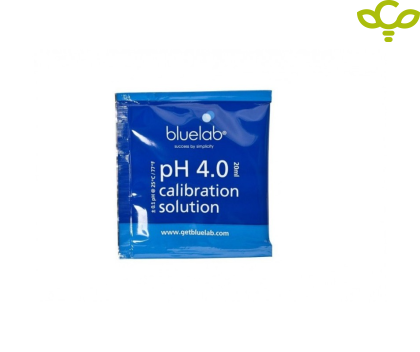
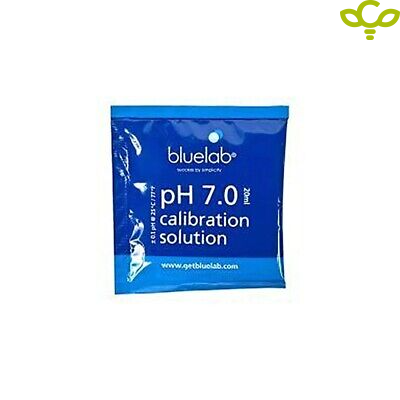
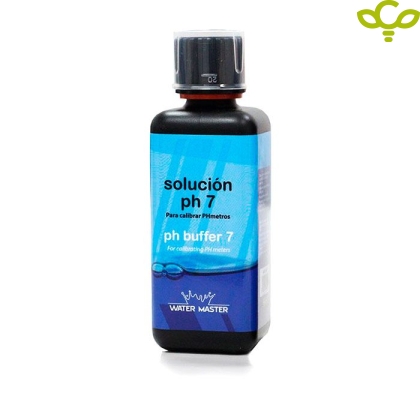
Calibrating your pH pen or probe will ensure accurate readings. To get the best from your pH product, we recommend calibrating once a month. Calibrating your pH pen or probe is required: Before first use If the calibration reminder has disappeared from the LCD screen (30 days after first calibration) If the pH measurement is different from what you expected After cleaning and hydration After changing the batteries Note: Bluelab pH products should always be calibrated to 2 points using fresh pH 7 and pH 4 solutions. If your readings are expected to be higher than pH 7, you can use pH 7 and pH 10 solutions. How to calibrate your pH pen or probe: 1. Prepare your pen or probe Ensure the pen or probe is clean and hydrated. Follow the Bluelab pH Probe Cleaning Guide and Hydration Guide before calibration. 2. Turn on your pH pen or probe Press the “Power/Hold” button. 3. Calibrate to pH 7 Place the probe tip in fresh Bluelab pH 7.0 Calibration Solution. Wait for the reading to stabilize between pH 6.6 – 7.5. Long-press the Cal button on the pen or meter until “CAL” is displayed. Release the button. A calibration sequence will start, sequentially flashing “0” across the display. After the “0000” stops flashing, the sequence is complete and “pH7” is displayed. 4. Rinse Rinse the pen or probe tip thoroughly in clean tap water. Shake off any excess water. 5. Calibrate to pH 4 (or pH 10) Place the probe tip in fresh Bluelab pH 4.0 (or pH 10) Calibration Solution. Wait for the reading to stabilize between pH 3.6 – 4.5. Long-press the Cal button until “CAL” is displayed. Release the button. A calibration sequence will start, sequentially flashing “0” across the display. After the “0000” stops flashing, the sequence is complete and “pH4” (or “pH10”) is displayed. 6. Confirm Calibration A calibration confirmation will appear at the bottom of the pen or meter screen to indicate successful calibration. This confirmation will disappear after 30 days, indicating that recalibration is required.